
 OpenPost
TikTok

Configure TikTok Login Kit and Content Posting API for video and photo posts.
OpenPost connects a TikTok account through Login Kit. Direct Post publishes through TikTok's Content Posting API; Upload sends a video to the creator's TikTok inbox for completion there.
Before you start
- Set
OPENPOST_APP_URLto the public HTTPS origin of your instance. - Make
OPENPOST_MEDIA_URLa public HTTPS media address that TikTok can fetch. For URL-based publishing, verify its domain or URL prefix in TikTok's developer portal. - Have a TikTok for Developers account and a TikTok account for testing. TikTok app review and Content Posting API access are separate from OAuth setup.
Configure the TikTok app
-
In TikTok for Developers, create an app. Add Login Kit and Content Posting API. TikTok calls the app's client ID a Client Key.
-
In Login Kit, register this Redirect URI:
https://post.example.com/api/v1/accounts/tiktok/callback -
In the Content Posting API settings, enable the posting modes you need. Request access to
video.publishfor Direct Post andvideo.uploadfor inbox upload. OpenPost also requestsuser.info.basic,user.info.profile,user.info.stats, andvideo.list. Complete the portal's URL ownership verification for media fetched by URL. -
Submit the app and its scopes for review where TikTok requires it. Copy the Client Key and Client Secret from the app settings.
TikTok documents app registration, Direct Post setup, and media URL verification.
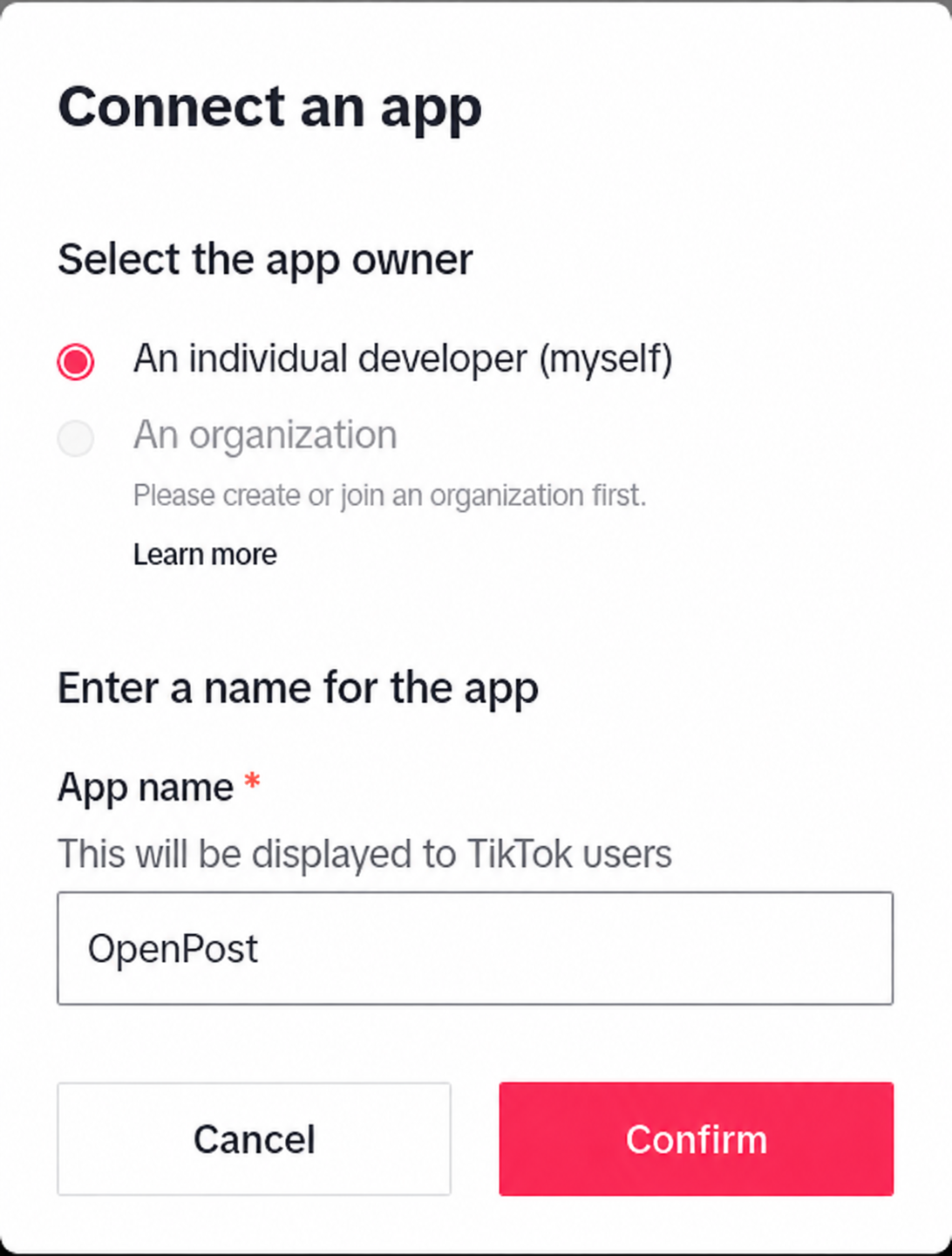
Save the app in OpenPost
Use this provider entry when saving your app credentials. Replace the example domain with your OpenPost address.
[
  {
    "provider": "tiktok",
    "client_id": "your-tiktok-client-key",
    "client_secret": "your-tiktok-client-secret",
    "redirect_uri": "https://post.example.com/api/v1/accounts/tiktok/callback"
  }
]
Connect and test
- In Settings → Workspace → Social accounts, select TikTok and grant the requested permissions.
- Create a publication with one video. Choose Direct Post for publishing or Upload to finish the video in TikTok. Confirm the result in OpenPost and in the TikTok account.
- Test photo posts separately if your app has photo-post access. Photo posts use public HTTPS media URLs. An unaudited TikTok client may restrict Direct Post visibility to private even after a successful connection.
If it does not work
- OAuth fails: Compare the Login Kit redirect URI with the JSON and
OPENPOST_APP_URLexactly. Check app status and requested scopes. - TikTok cannot fetch media: Open a specific uploaded file URL under
OPENPOST_MEDIA_URLfrom outside your network, confirm HTTPS, and check that the URL falls under the verified domain or prefix. - Posting is denied or private: Check Content Posting API product access, the approved
video.publishorvideo.uploadscope, account consent, and TikTok audit status. Reconnect after adding scopes.